The right knowledge, at the right time
With InfoCaption, you get more than an LMS. You get a knowledge platform where guides, training, process documentation and AI-supported help can be created, managed and shared in multiple ways — so the right knowledge is easy to find and use when it is needed.
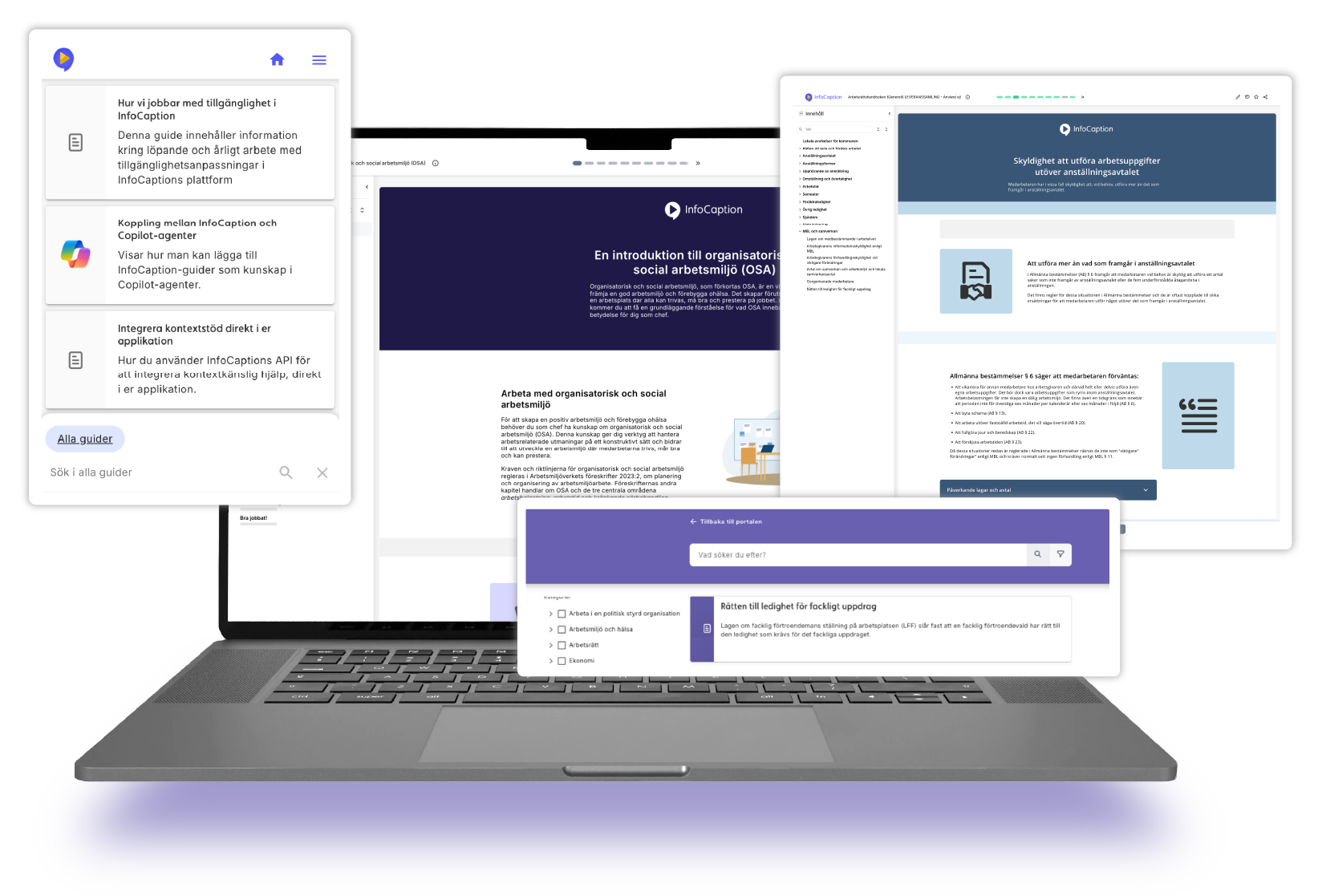
Everything you need for knowledge sharing and skills development
InfoCaption is built to be easy to use - for the content creator and for the content user.
Create once, use multiple ways
Create content that can be used in training, manuals, processes, search and AI support - without having to recreate the same information multiple times.
Make knowledge easy to find
Bring together support, instructions and training in a way that is convenient for staff and customers.
Keep content up to date
Control permissions, track usage and see what needs to be updated over time.
Everything you need to create, share and manage knowledge
Create once, use multiple ways
Create guides, instructions and training content once, then use it across different channels and contexts — from manuals and processes to search and AI support.
Make knowledge easy to find and use
Bring together guides, instructions and training so that the right people can find the knowledge they need, when they need it.
Keep content up to date
Manage permissions, track usage and see what needs to be reviewed or updated over time.
One platform for training, documentation and support
All InfoCaption solutions are built on InfoCaption Guide — the core platform for creating, organising and sharing content, with insights into usage and search behaviour. You then choose the modules that best match how your organisation wants to use the platform.
InfoCaption Guide
The core platform for creating, organising and sharing knowledge.
-
Text guides and video guides
- Processes and workflows
-
Screen recording and editing
- Portals and guides
-
Knowledge tests
-
AI support and image generation
-
Statistics and reports
-
Permissions management
MODULE
Train
Develop skills through structured learning, with course management, assignments and clear follow-up of participants and results.
MODULE
Assist
Make support easier to find with contextual guidance and AI chat based on your quality-assured content.
MODULE
Map
Make processes easier to understand with documented workflows and linked guides.
Build a centralised knowledge base
No matter how you use the platform, you can create, organise, share and monitor content in one place.
These core features are always included in InfoCaption.
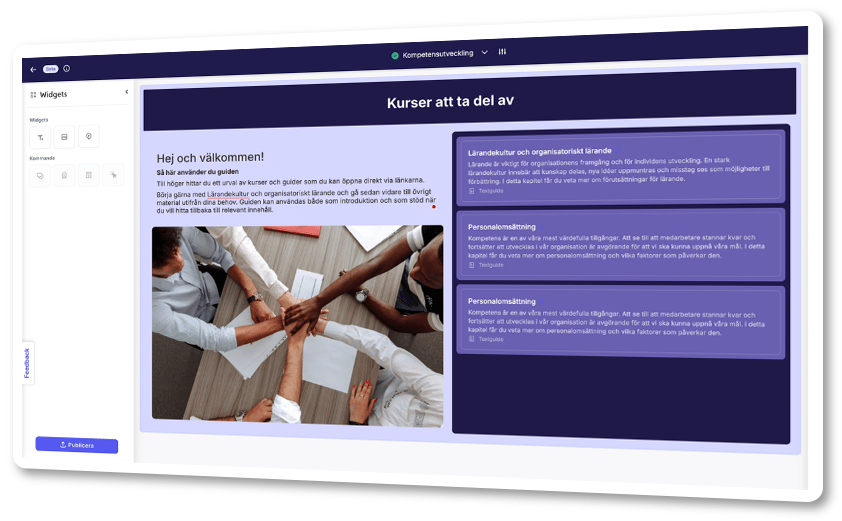
Create your content
Create content in multiple formats with tools that make it easy for more people to contribute – from text guides and video tutorials to process maps and knowledge checks.
Create freely: Text guides, process maps, video guides, and knowledge tests.
Record and edit: Screen recording, auto-generated animations, video editing, and AI-generated subtitles.
Create with AI: Upload Word, PowerPoint or PDF files to generate content ideas, draft content and images.
Structure and keep organised
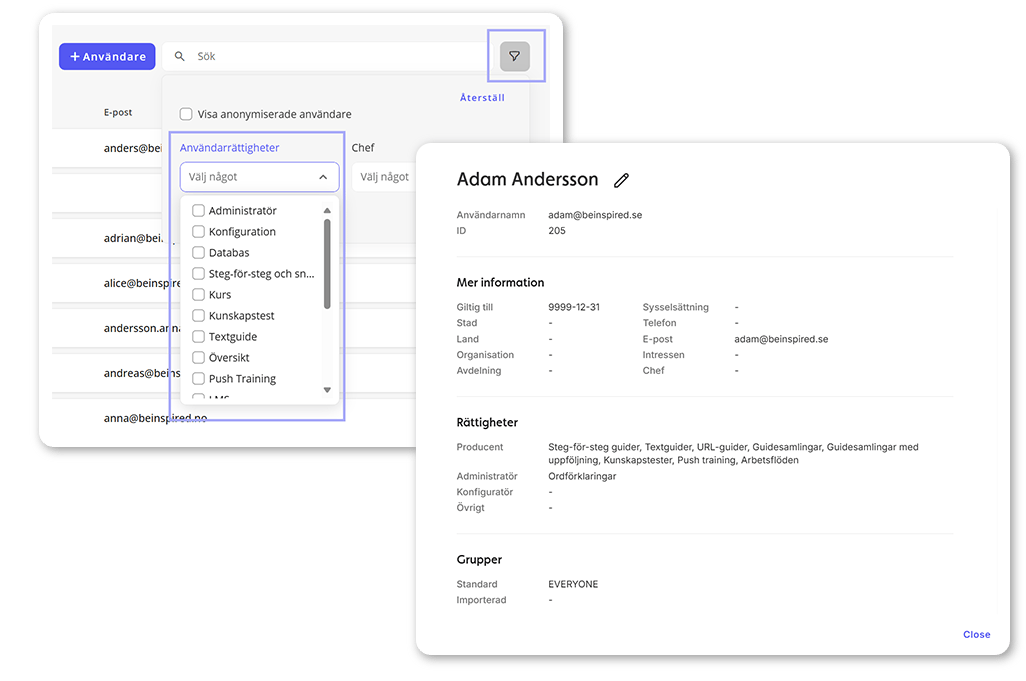
Gather your knowledge in one place. With clear structures and permissions, you can control how guides, instructions and knowledge support are organised, managed and made available to different audiences.
Build structure: Organise content with categories and hierarchies
Control access: Decide who should have access to what with advanced permission management
Keep order: Collect guides, instructions and documentation in a common place.
Make knowledge accessible
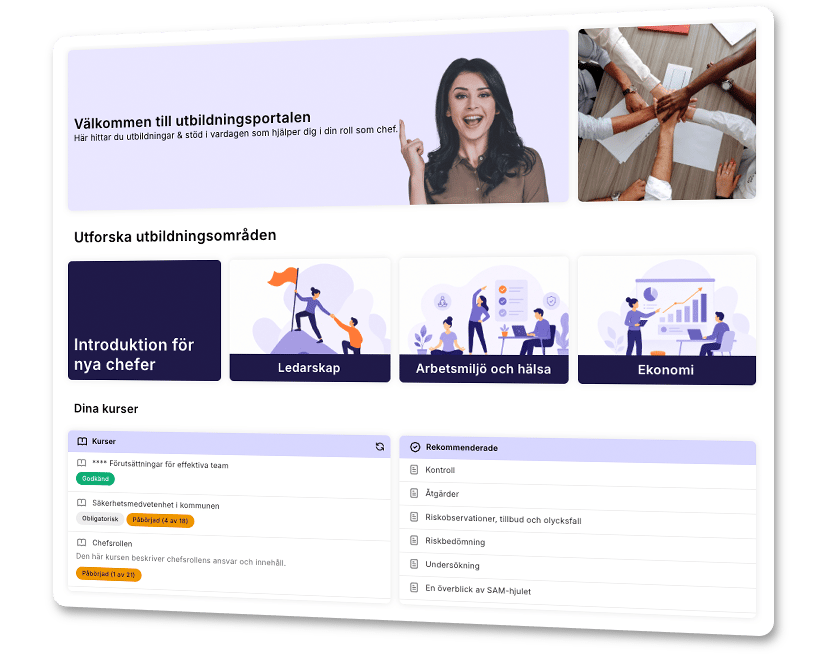
Make content accessible in the way that best suits the audience.
Build portals: Collect guides, courses and instructions in structured views with search functionality.
Create manuals: Compile content into easy-to-navigate manuals.
Share directly: Make content easy to find and share through search, direct links or QR codes.
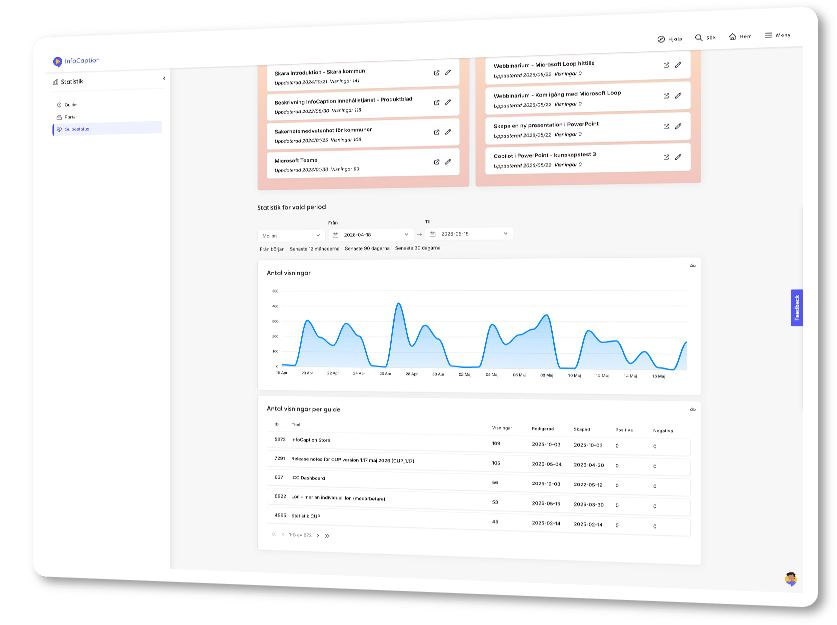
Understand how content is used
Monitor how content is used, what employees are looking for and where there may be room for improvement.
Track usage: View statistics and reports on how content is being used.
Understand needs: Analyse what employees are looking for and where support may be lacking.
Improve content: Health reports help you identify content that needs to be updated, reviewed or further developed.
Choose modules according to your needs
InfoCaption Guide is always included as the foundation of the platform. Choose the modules that best support your way of working and your goals. You can combine several modules if needed. Our most popular package combines Train and Assist, also known as Adopt.
TRAIN
Train your organisation
The module for structured learning and skills development. Create courses, assign them to employees and follow up on results with reporting at individual and group level.
- Create and manage digital and physical courses
- Learning journeys
- Manager reports
- Automatic course reminders
- Certificate management
- SCORM courses
- Customised dashboards
ASSIST
Assist the workday
The module for support and learning in the flow of work. Make contextual guidance and AI chat available based on your quality-assured content in InfoCaption.
- Context-sensitive help for Windows, web, and applications
- AI chat as part of contextual support
- AI chat on portal pages and in guides
- Administrator interface
- Statistics
MAP
Map the processes
Visualise processes and link guides to instructions. Keep processes up to date, version controlled and searchable.
- Version management of processes
- Main and sub-processes
- Linking guides to activities
- Support presentation standards
- Organisational structure
- Searchable in the platform
A platform that fits your organisation
Customisation
Adapt the look and feel of the platform to your organisation’s visual identity, including logo, colours, typography and domain.
Visual Identity | Custom domain
Integrations
Connect InfoCaption to your existing systems through APIs and MCP server, and make it part of your organisation’s digital ecosystem.
Security and operations
A GDPR-compliant platform with Swedish operation and data storage. Manage access securely with advanced permissions and authorisation at every level.
On-prem or cloud-based solution | SSO/SAML | Swedish operation
Scalability
Scale from a single team to large organisations with thousands of users, multiple departments and different ways of working.
Workspaces | Unlimited number of users
Frequently asked questions about the InfoCaption platform
AI features are available in several parts of the platform. They help you create content, make quality-assured knowledge easier to find and support users when questions arise.
For example, you can use AI to generate content from existing documents, create images and subtitles, improve search and let users ask questions based on content in guides and portals.
Read more about AI in InfoCaption here
InfoCaption is built to close the gap between knowledge and action.
The platform combines content creation, publishing, search, reuse and usage insights – so knowledge is not just created, but actually used.
InfoCaption can be used for many types of knowledge needs, such as training programmes, instructions, manuals, processes, system support and customer support.
The same content can be used in several ways — in a course, portal, manual, process, search results or as a basis for AI support.
This makes the platform useful for onboarding, skills development, system implementation, process documentation and support for employees or customers.
InfoCaption covers several knowledge needs, and different organisations use the platform in different ways. The modules make it possible to choose the functionality you need now and expand the platform over time.
InfoCaption Guide is always included as the foundation. You can then add modules for structured learning, contextual support or process documentation, depending on how you want to use the platform.
Yes. You can try InfoCaption free for 14 days. Fill in the form and we will set up a test environment where you can see how the platform works and try it with your own content.
InfoCaption always includes features for creating, organising and sharing guides in different formats. You can also view statistics on guide usage and searches in the platform.
You then choose at least one module based on how you want to use the platform.
Try InfoCaption for free
Fill in the form and we’ll be in touch to set up an environment where you can try InfoCaption free of charge for 14 days.
This is included in the trial period:
-
Access to the platform and features for creating and sharing content.
- Instructional guides to help you get started.
- Personalised support from a customer coach to answer your questions.
- Everything you created during the trial period can be kept if you choose to continue with InfoCaption.